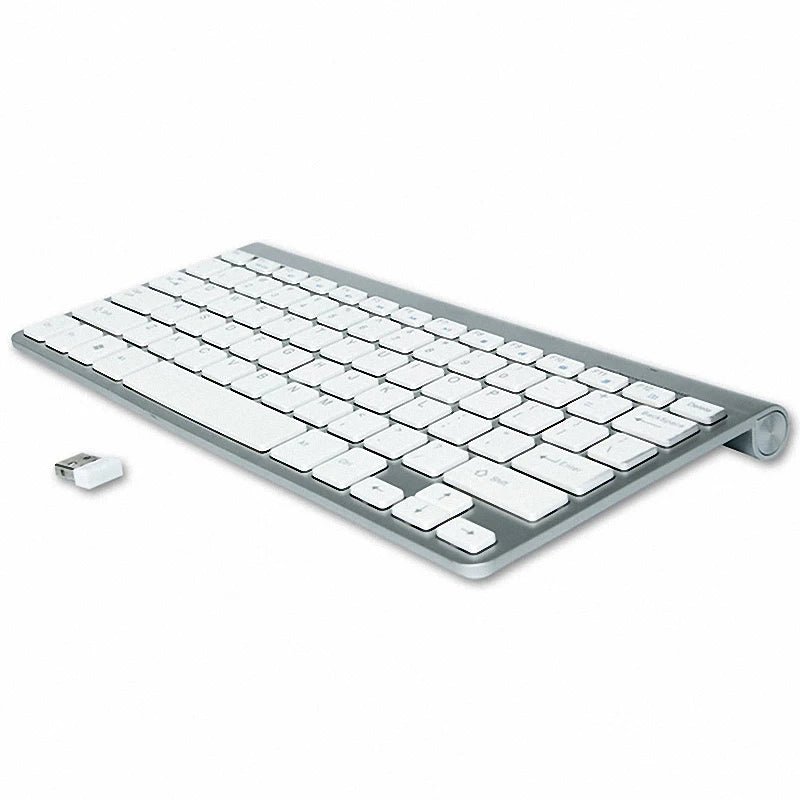
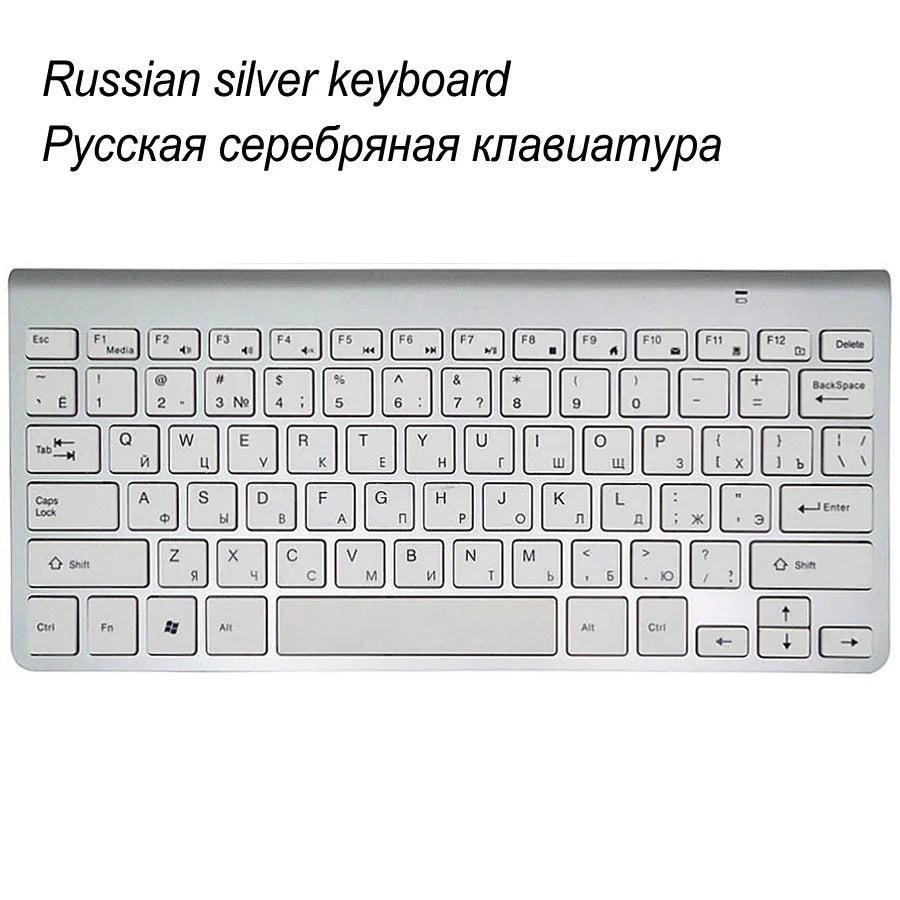
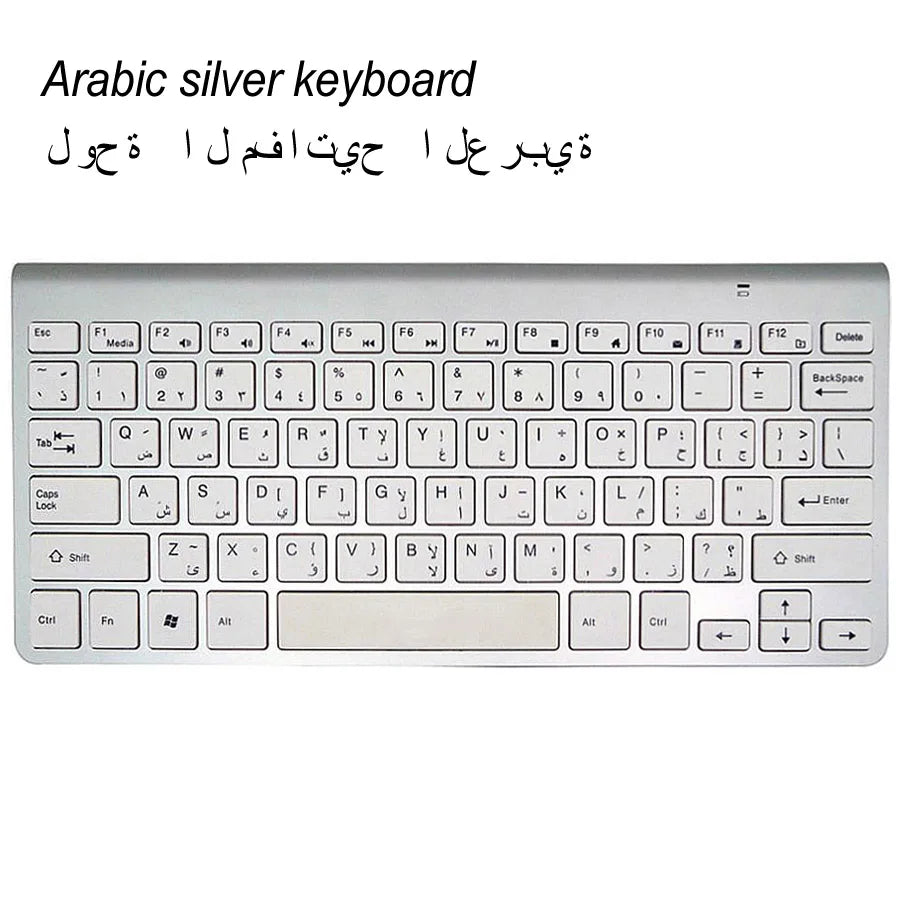
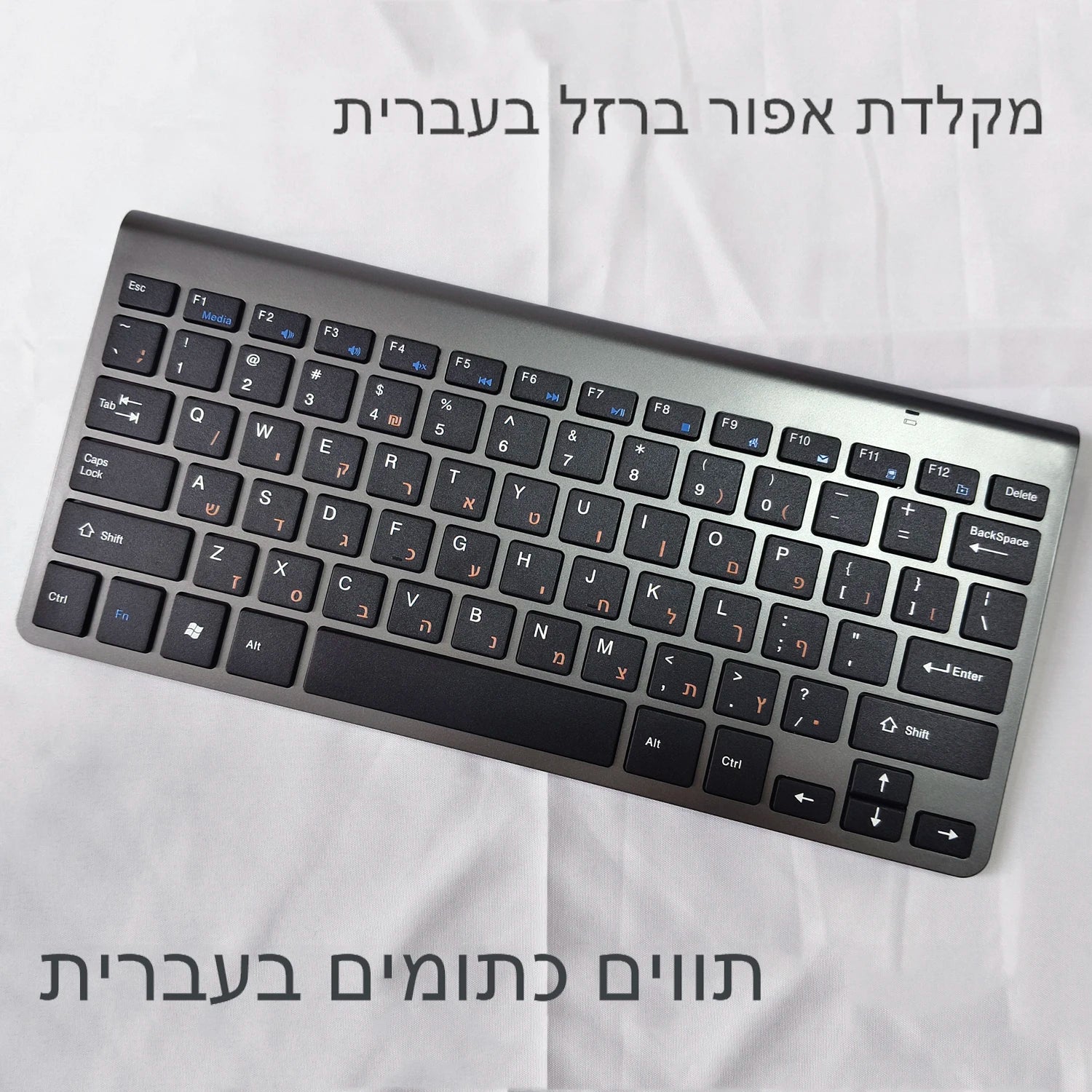
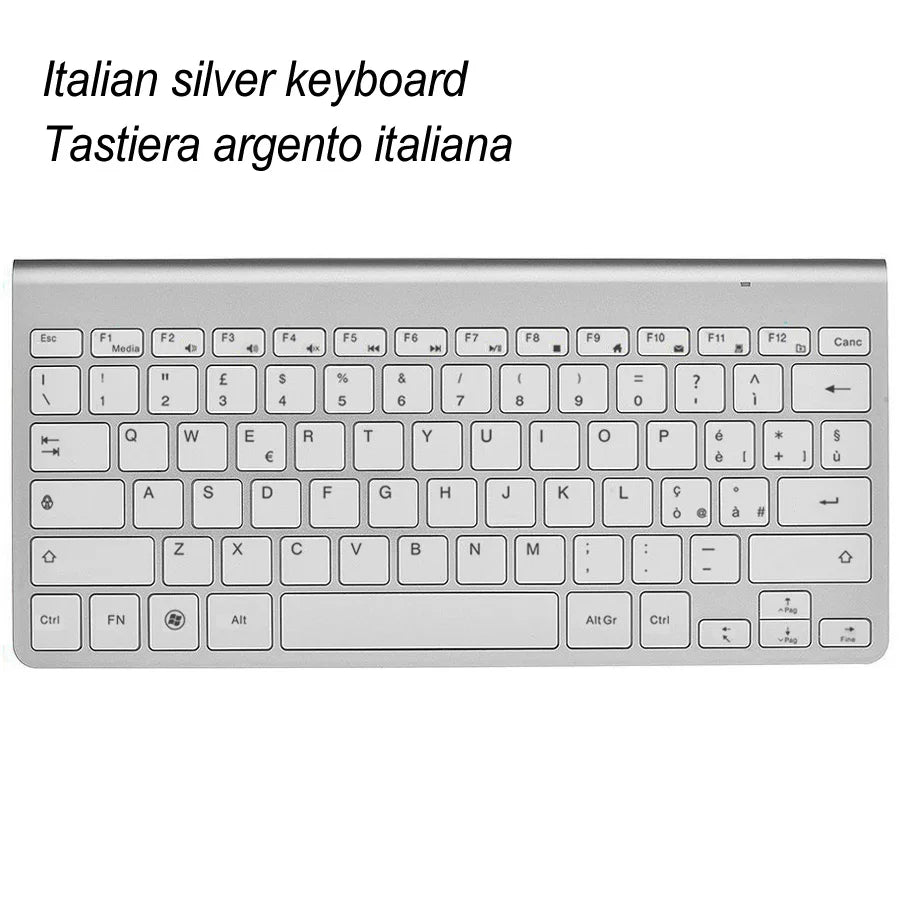
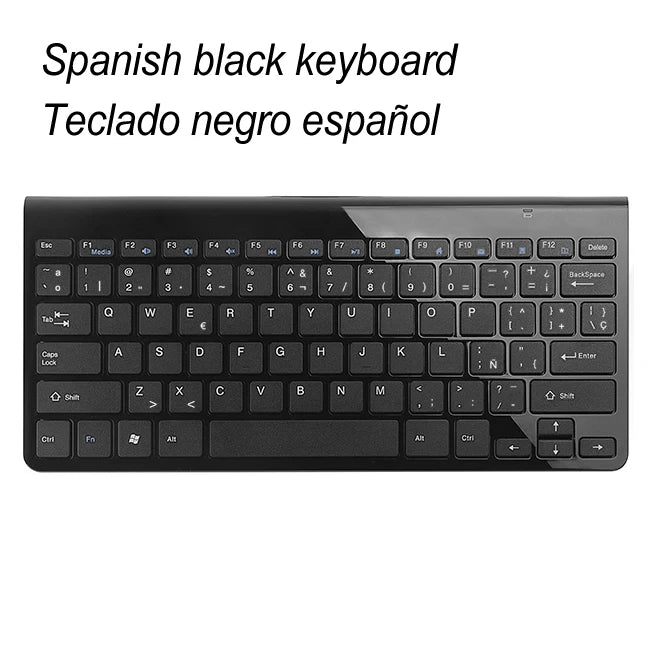
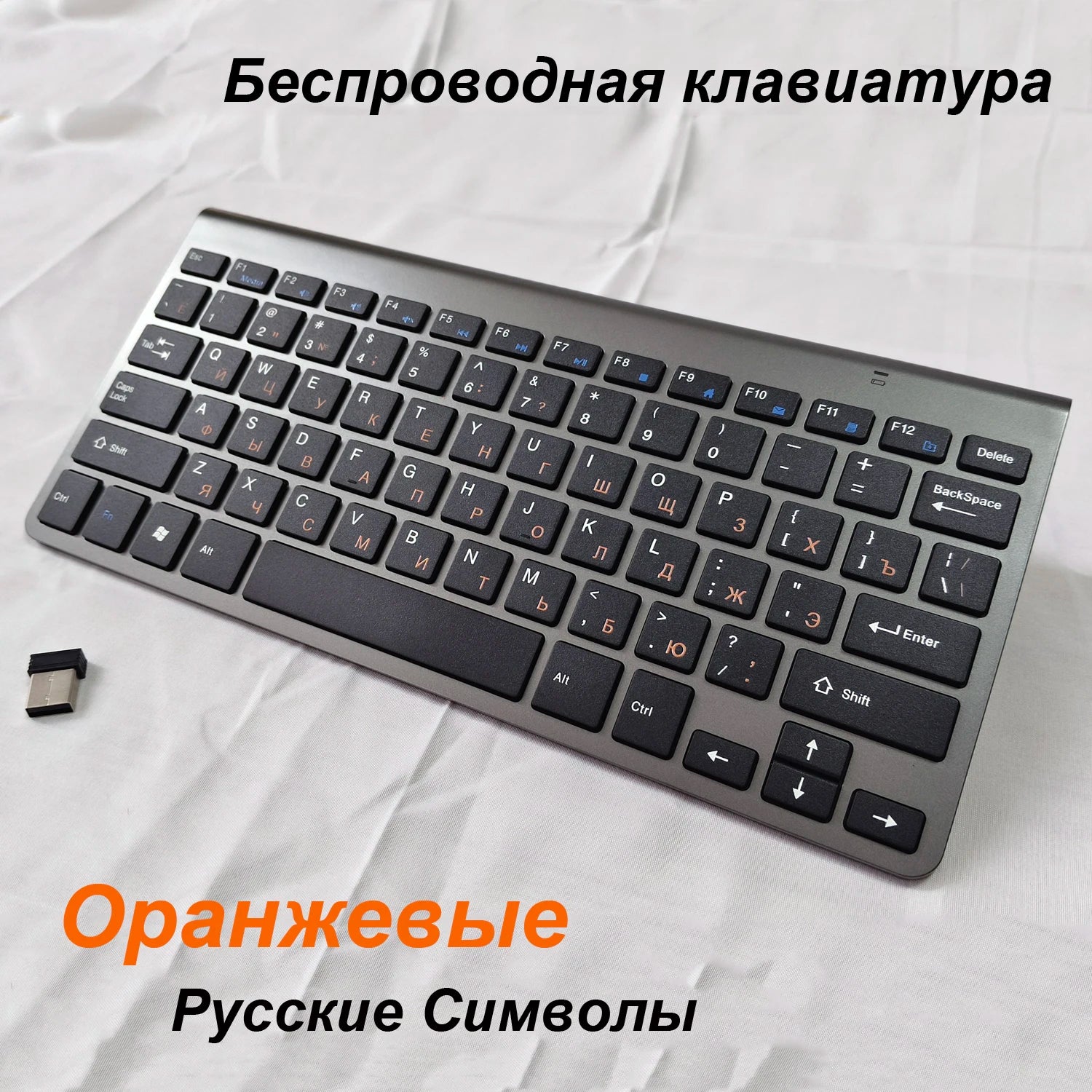
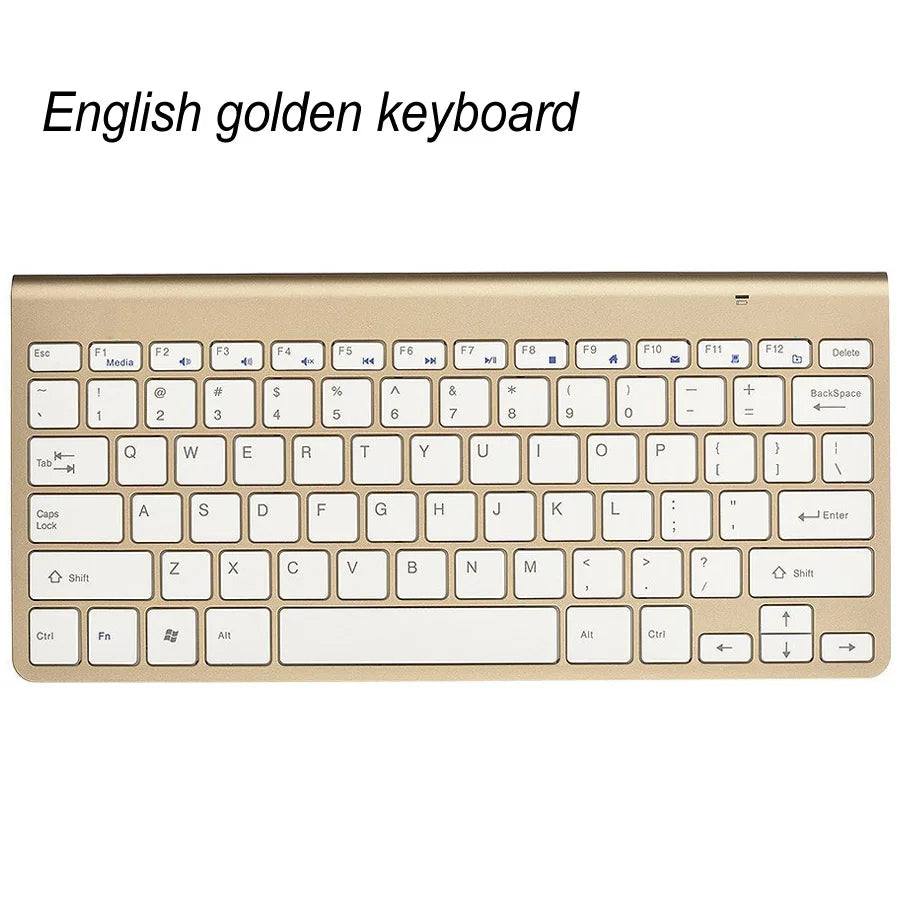
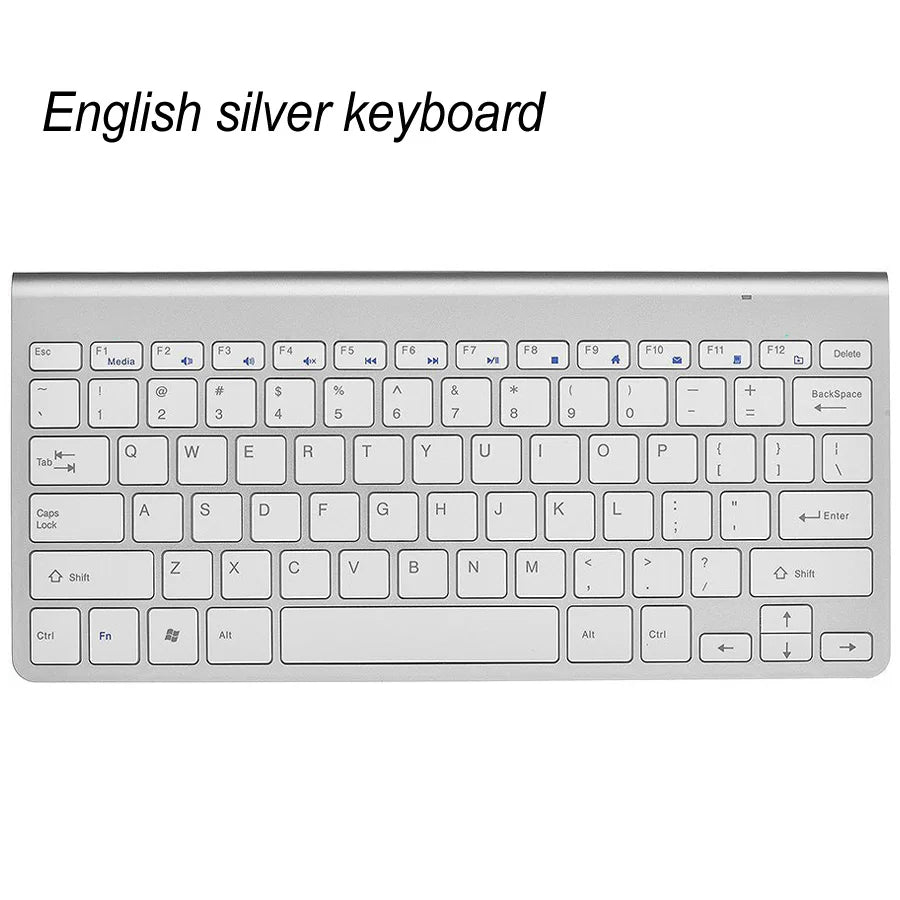
Slim Mini USB Wireless Keyboard Small Computer Wireless Keyboards Compact External Keyboard for Laptop Tablet Windows Desktop PC
SPECIFICATIONS
Application: Desktop,Laptop
Axis Body Brand: ESTP
Battery Included: No
Certification: CE
Full Size keyboard: No
High-concerned chemical: None
Interface Type: USB
Keyboard Standard: 78 Keys
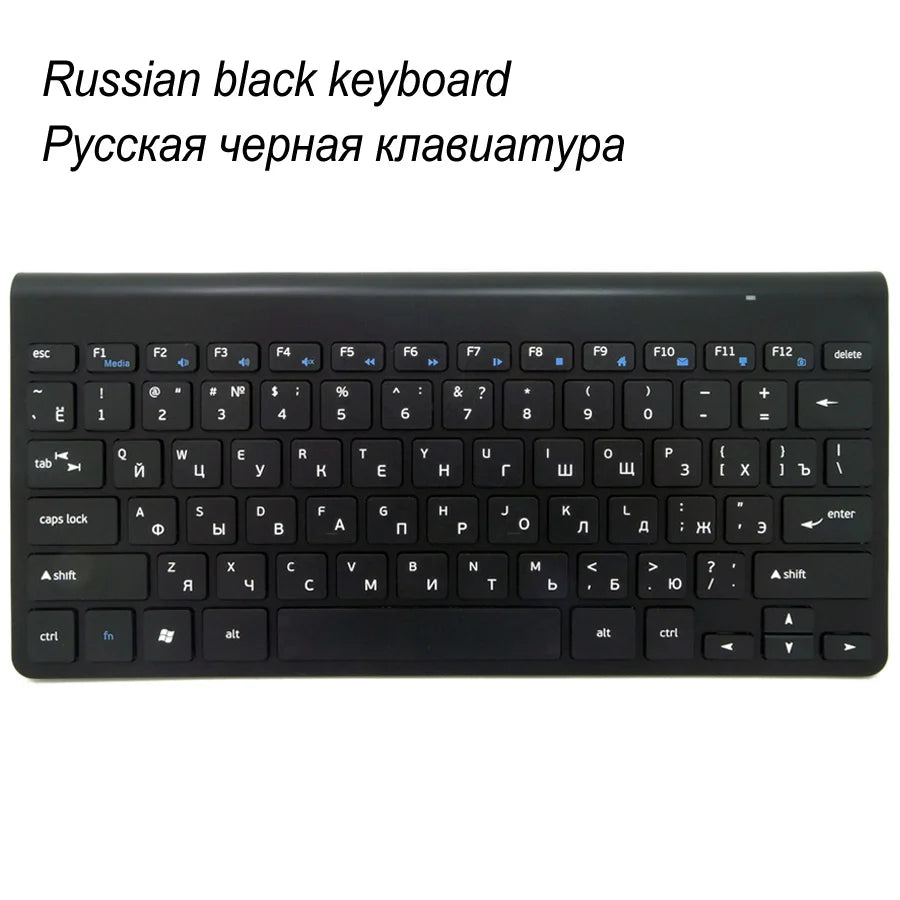
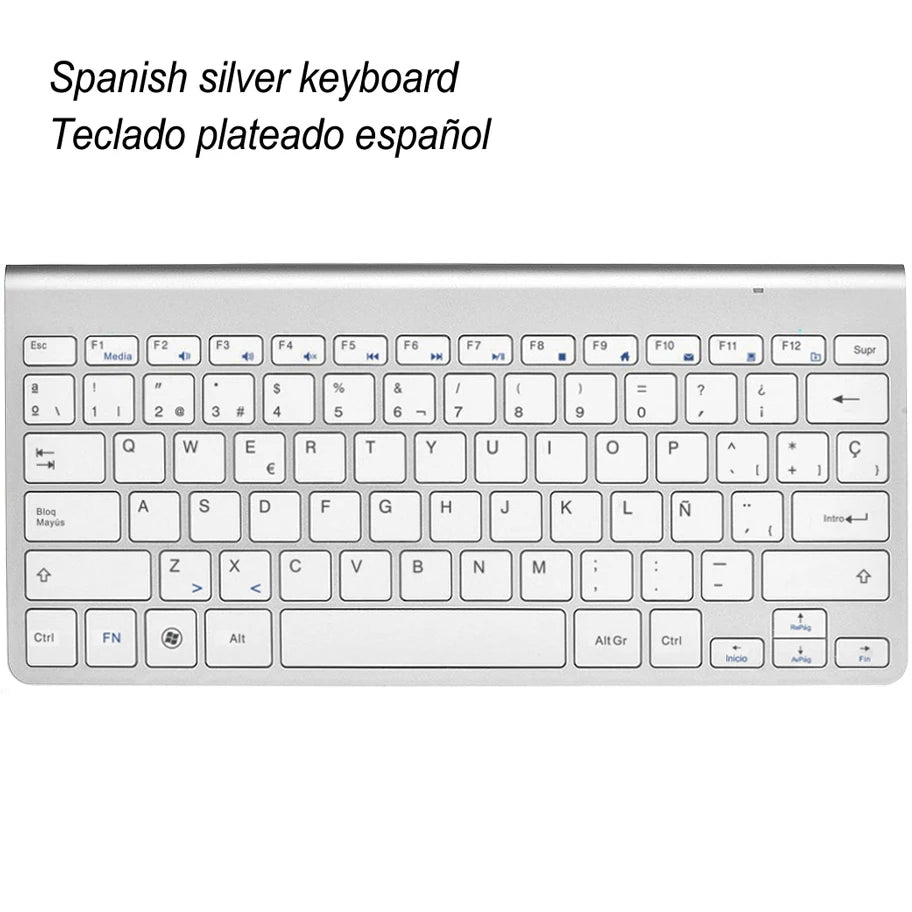
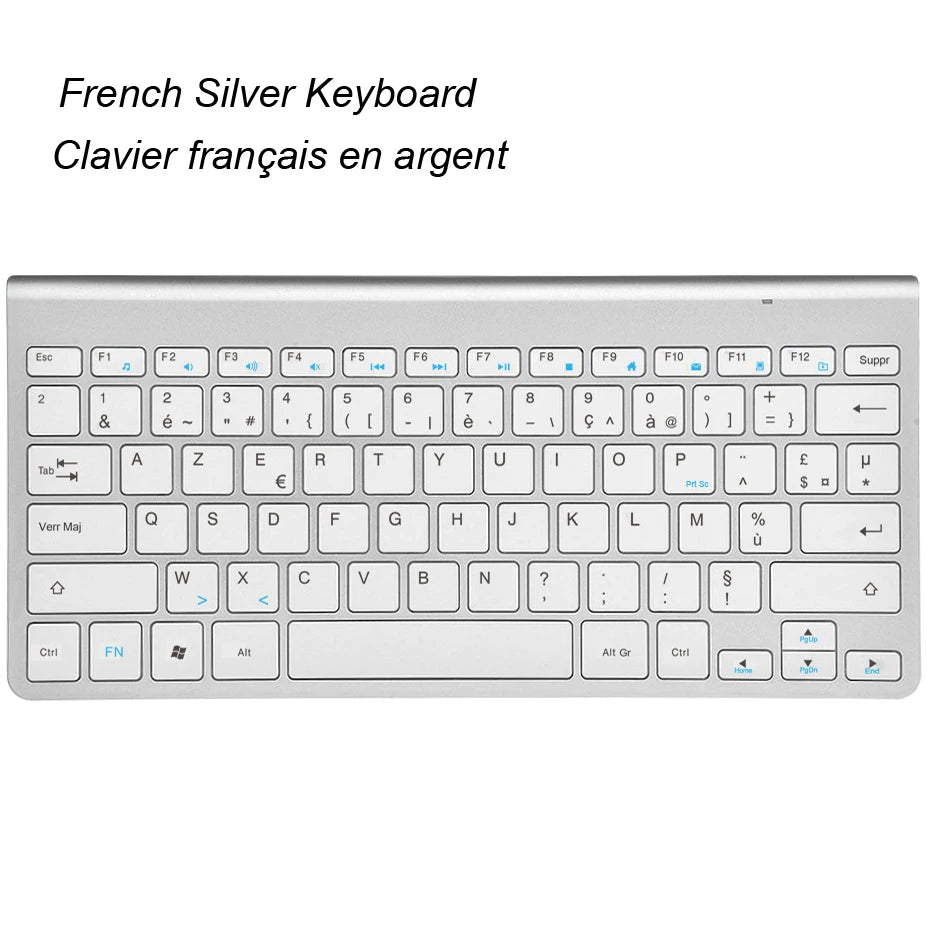
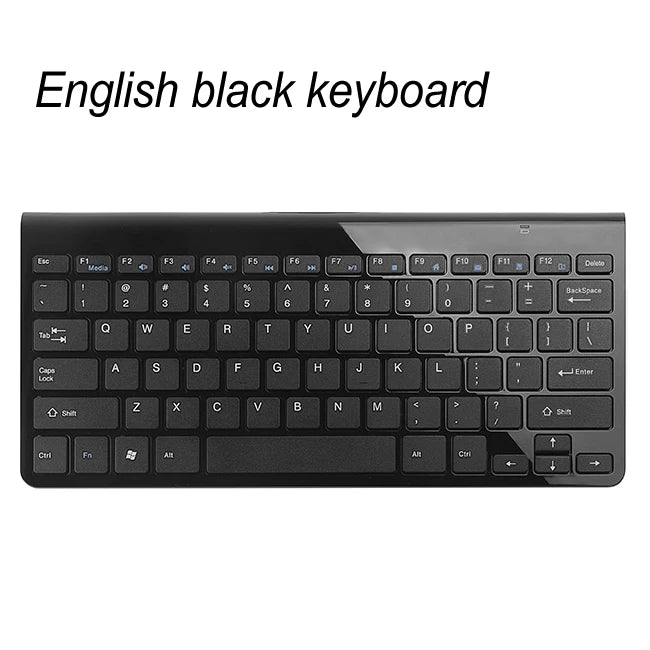
Language: Hebrew,Russian,English,French
Material: ABS Plastic
Operation Style: Capacitive
Package: Yes
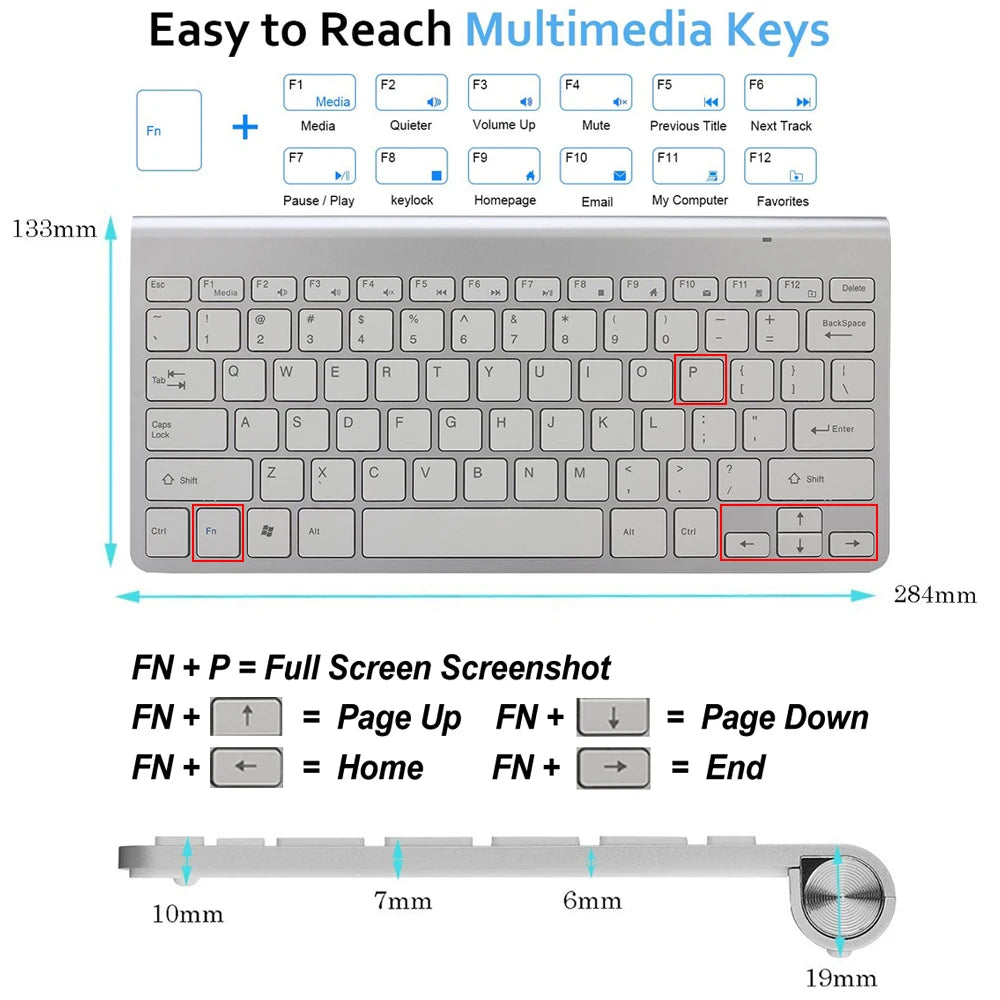
Product dimensions: 284x133x17mm
Product weight: 380g
Style: Slim,Multimedia,For Laptop,Multifunctional Keyboard
Type: 2.4Ghz Wireless
Wrist Support: No
Features:
Up to 10m operating distance(Barrier-Free)
Ultra-Slim Design with 78 keys.
Stylish Chiclet-style Layout with Full Size Keyboard.
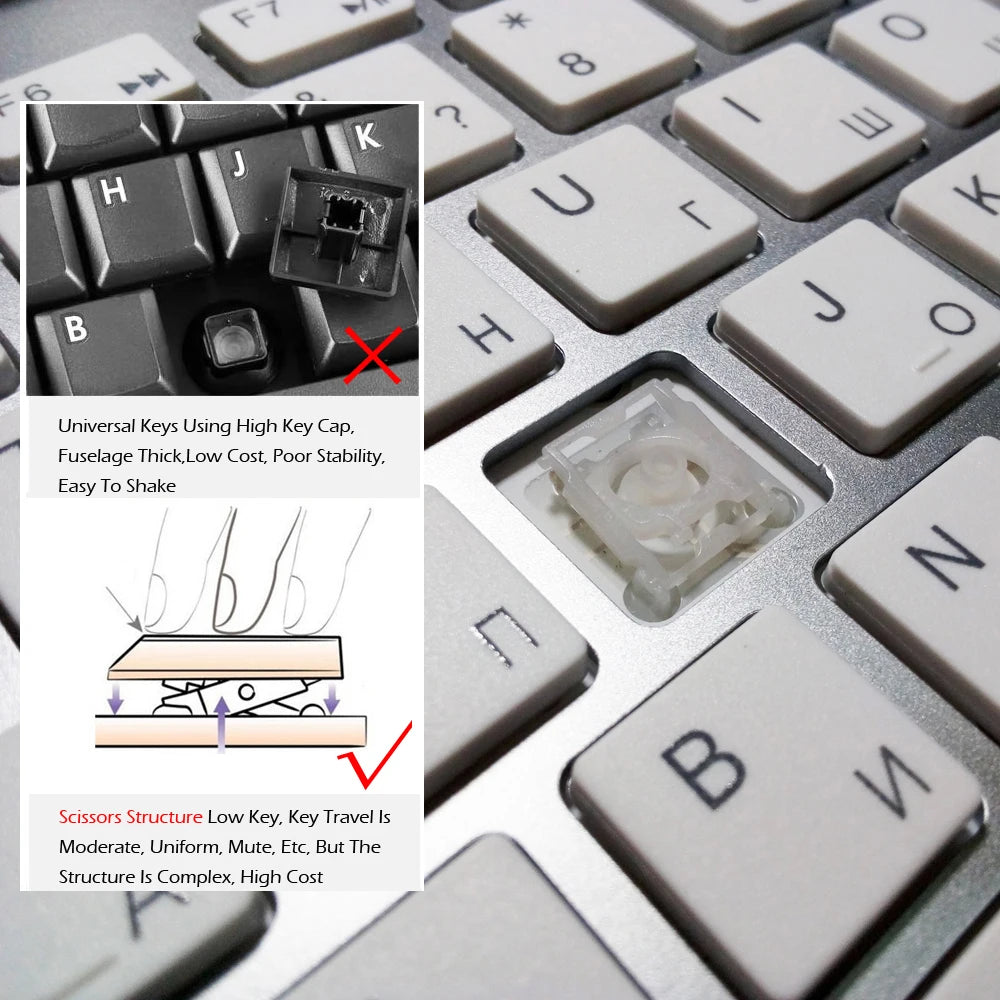
Scissor-Switch keyboard provides you with very comfortable and pleasing typing experience
With a power level indicator.
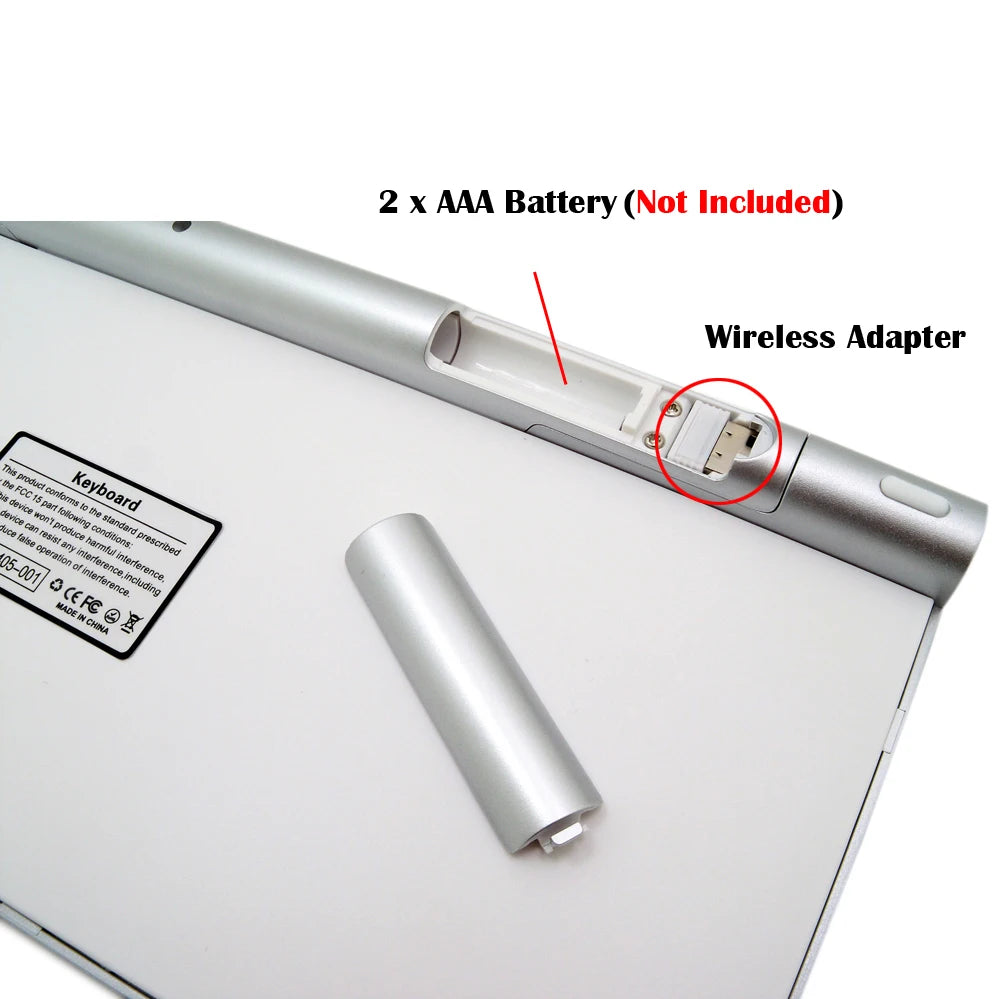
Powered by 2 AAA Batteries. (batteries NOT included)
Intelligient connection, just plug and play.
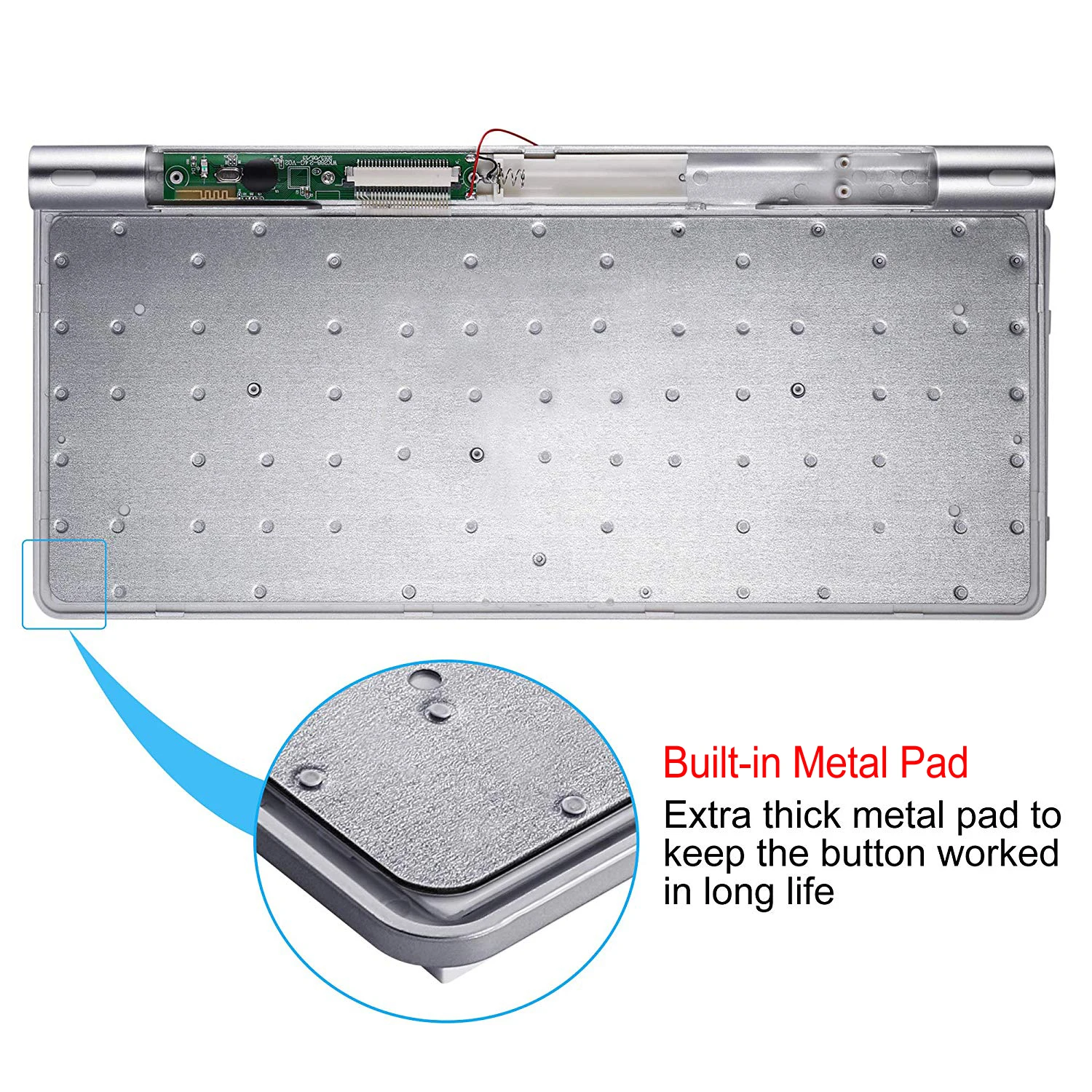
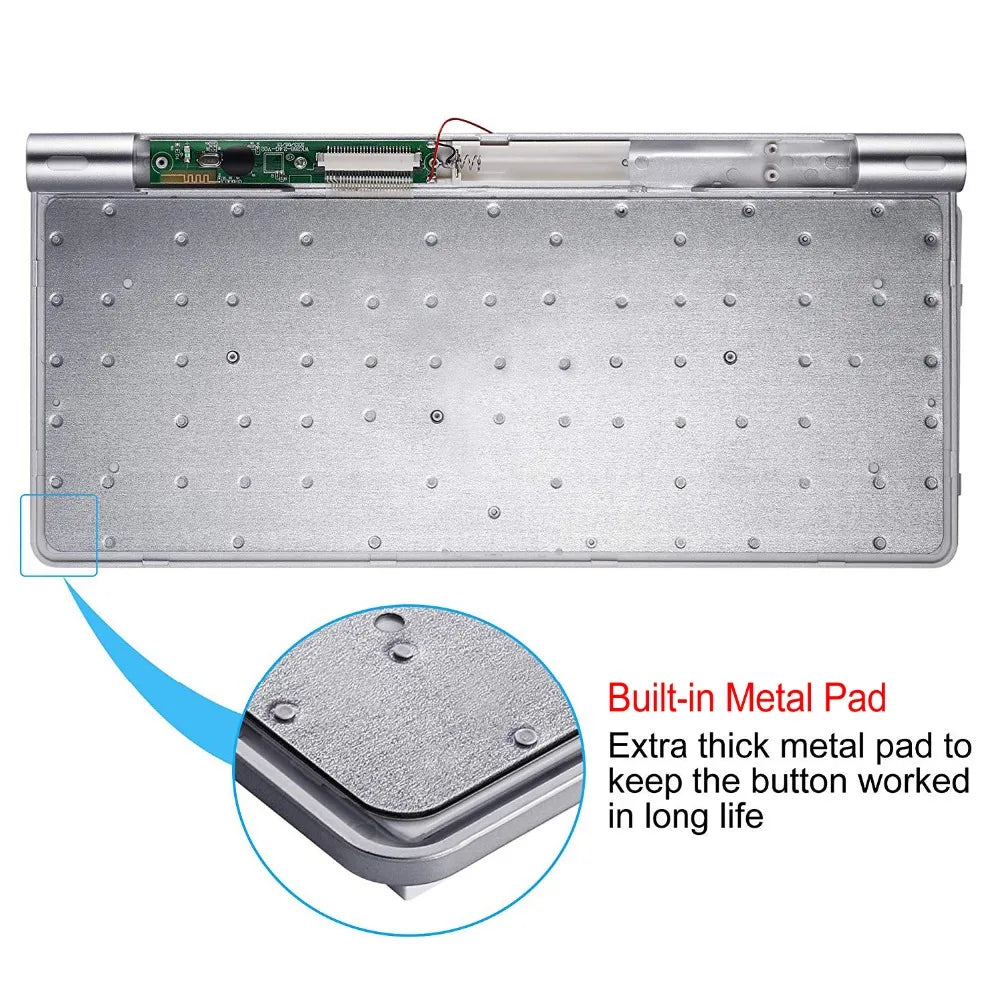
High quality ensures years of use,Printing characters, not easily wear
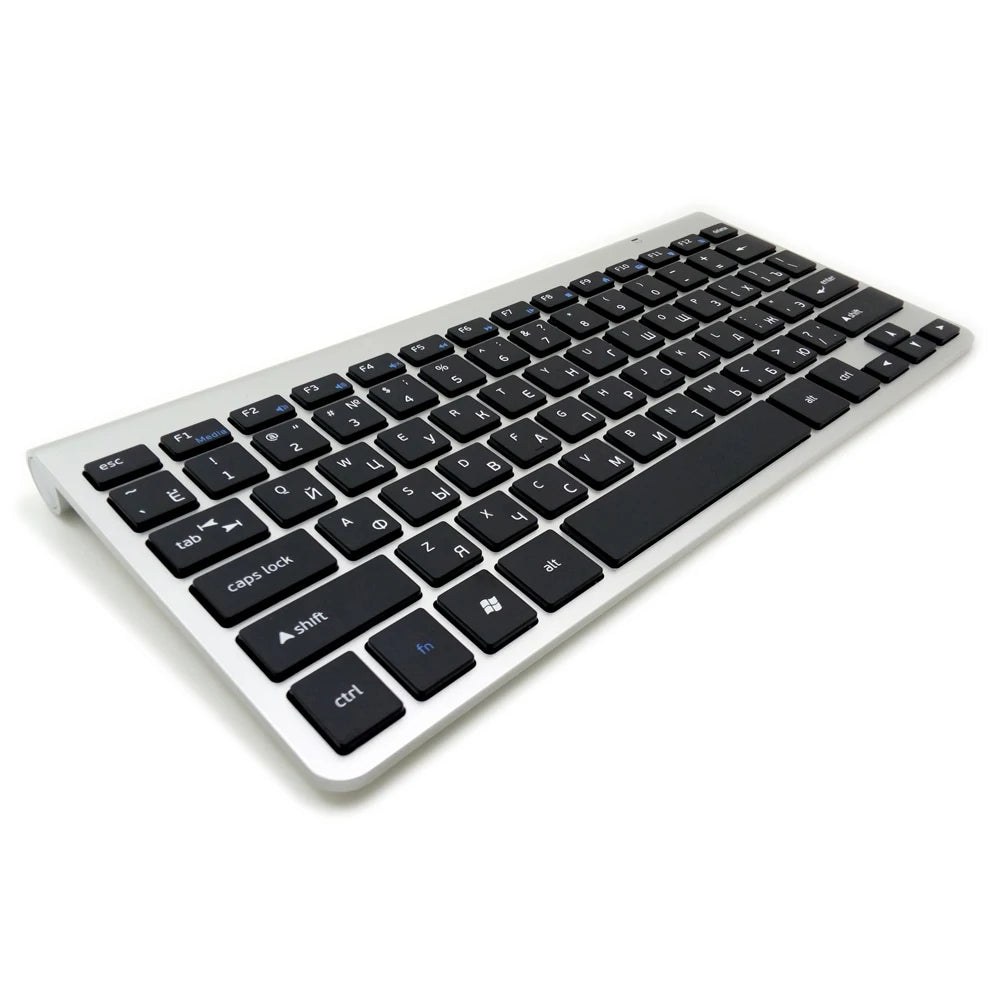
Bilingual keyboard layout,2 kinds of language character allows you to quickly adapt to different layout
Warm Prompt
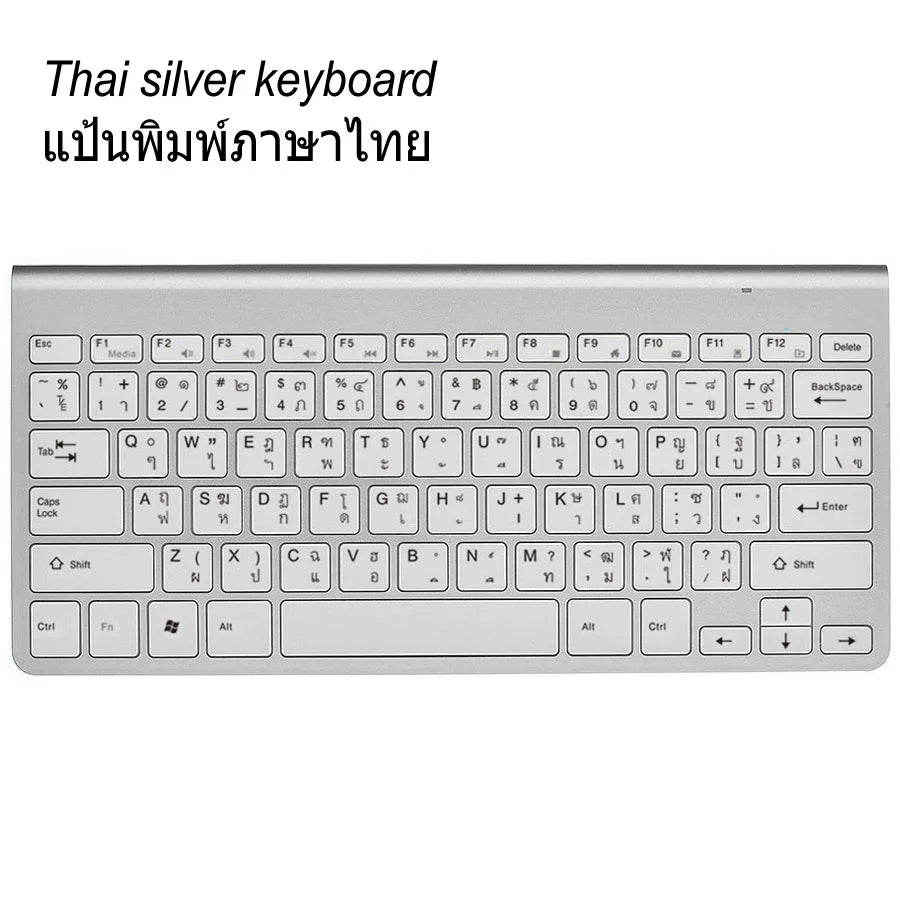
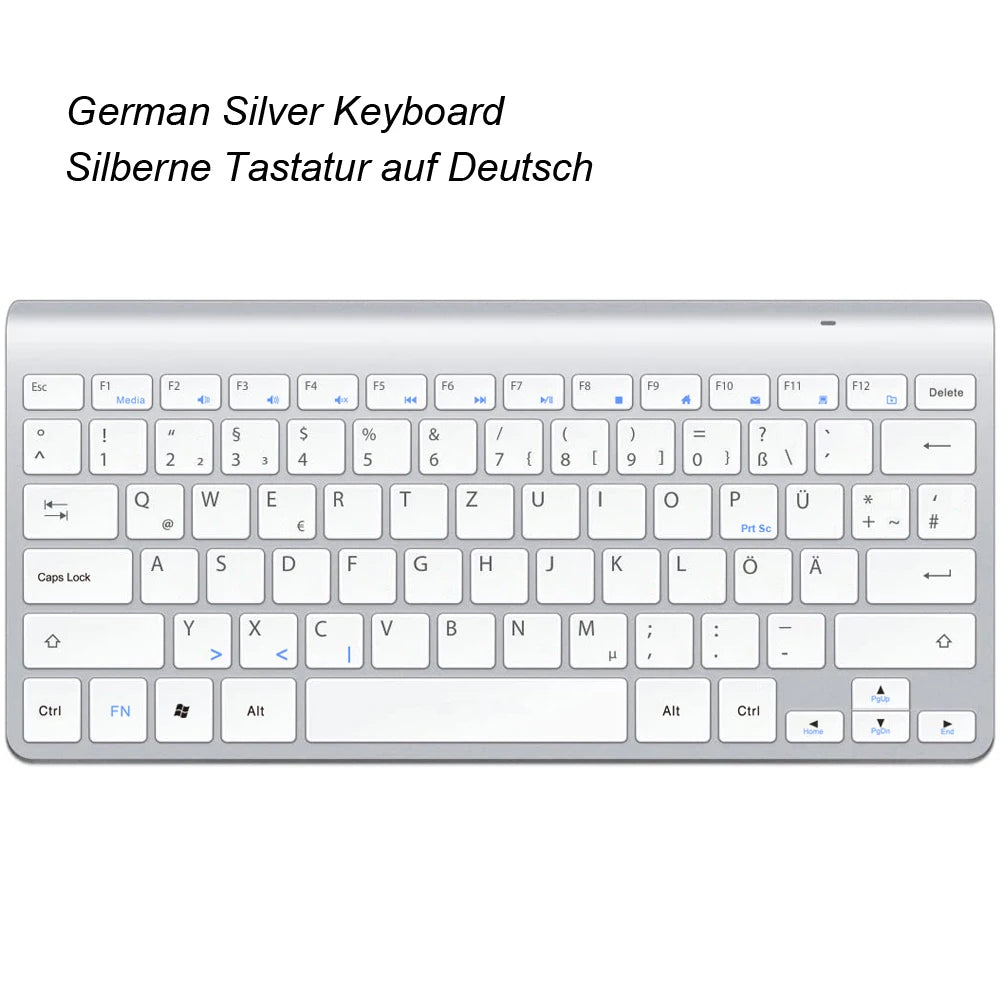
We Have Production Other language keyboard Now,As Shown In Figure Shown,Printing Characters, Not Easily Wear,Please Rest Assured To Buy It, Thank You For Your Support
How To Connect It With Your Devices?
Find the USB nano receiver(Note: It is in the battery compartment of mouse), plug it in the USB port of your device. Then it will automatically pair and connect.
Can It Work With Mac OS System?
As you see in the pictures above, the keyboard designed according to Windows system. But it still can roughly work with the Mac OS system. Because of the design difference between the two different systems, a little adjutment in settings of APPLE computer are required if you want to use the Ctrl or Alt keys normally: System Preference--Keyboard--Modifier Keys--Select Keyboard--then adjust it as your preference
The keyboard can be used on tablets?
This keyboard can normal compatible with tablets, but tablet without USB interface, so you can't insert,You need to buy one "OTG" tieline
Your workspace
The super-slim profile and cord-free connection declutter your desktop and transform it into a minimalistic, modern-aesthetic workspace. Focus more on your work (or play) and less on your mess with the added organization.

Comfort is key
The whisper-quiet, low-profile keys bring a whole new level of comfort to your fingertips. What's more, keep all your most-used functions and media controls closer than ever with our arsenal of Windows-dedicated hot keys.